STEP 1
Login at projects.stem101.org
For speedy account creation, you can sign in with Google or Microsoft by clicking their icons.

If you don’t have a Google or Microsoft account, you can manually create an account.
For new STEM 101 accounts, click create new account.
1. Fill in the user form.
2. Check for a confirmation email, and then continue.

STEP 2
Once you’re able to login, click “My course.”
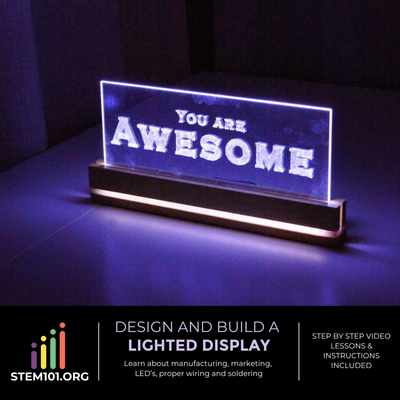
Find the “Design and Build a Lighted Display ” course.
To access the course, you’ll need an enrollment key.
This key will be provided by your teacher.
If you’re working on the project independently, use the enrollment key: